Well, this is nasty: Facebook has agreed to let third-party advertisers use your posted pictures WITHOUT your permission.
- Click on SETTINGS up at the top where you see the Log out link.
- Select Privacy.
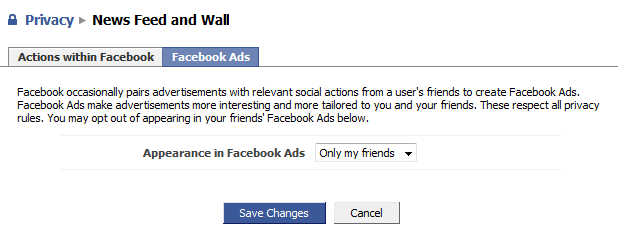
- Select NEWSFEEDS and WALL.
- Select the tab that reads FACEBOOK ADS. There is a drop down box that reads “Only my friends”.
- Select NO ONE and click “SAVE CHANGES”.

 kurtsh
 Kurt's Thoughts